
Here’s How to Do It
Navigate to the patient’s profile. Click ‘View Details’ on the charges in the Charges tab.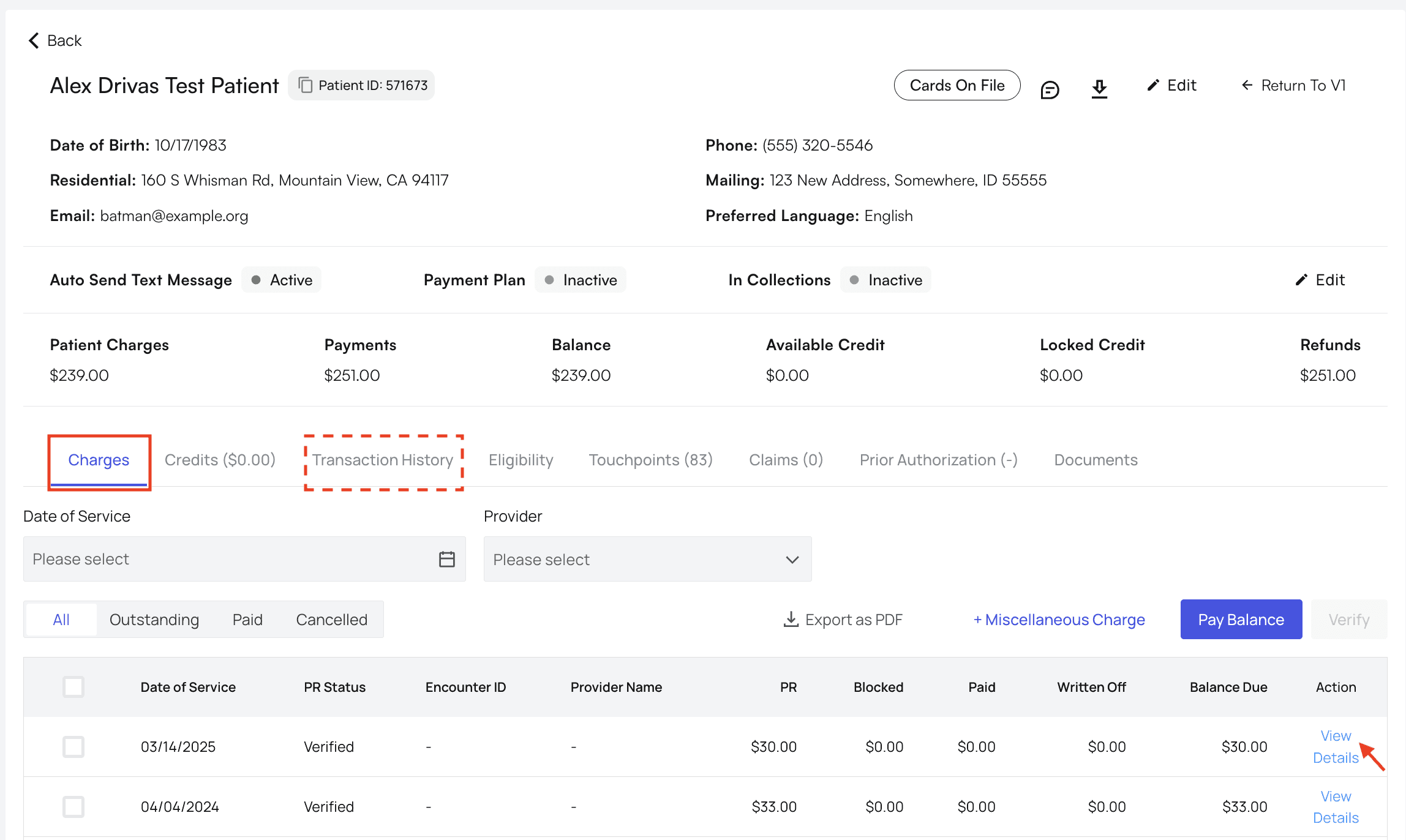
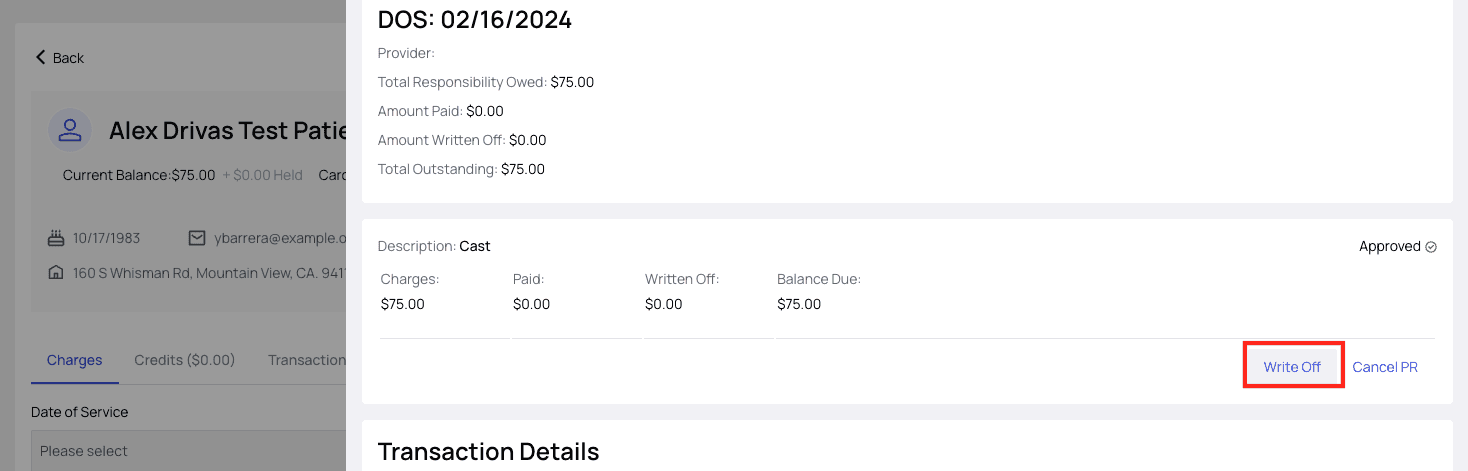
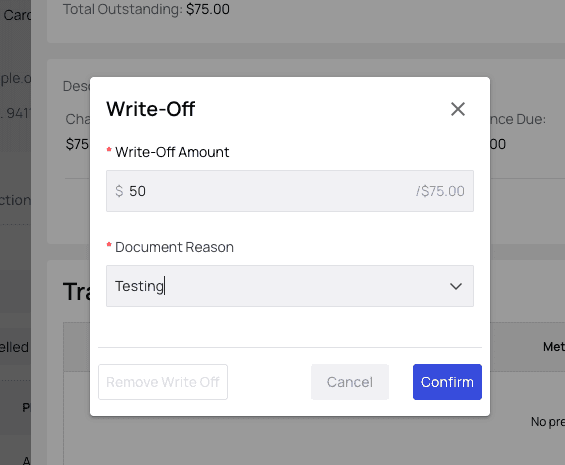
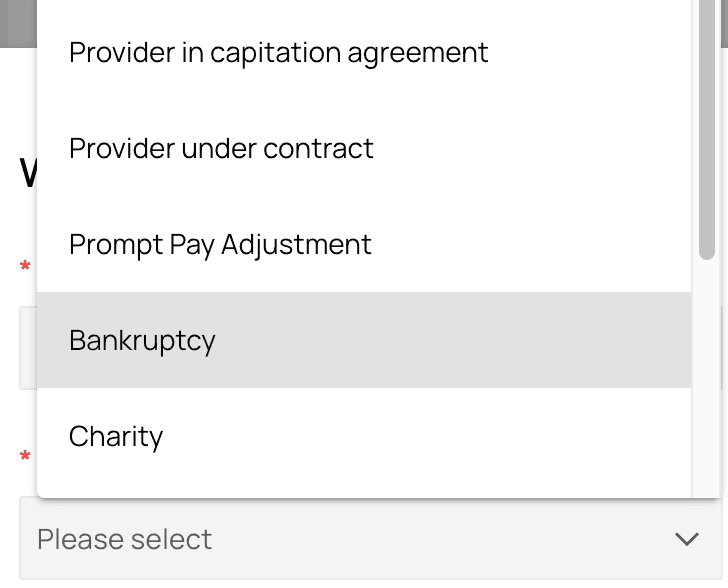
Write Off Complete!
The PR you wrote off will now be listed in the charges view, and the patient’s outstanding balance will be updated across Athelas Insights to reflect your action.Troubleshooting
Help! It won’t let me do a write-off! If the PR you’re trying to cancel has a disabled ‘Write Off’ button, hover your mouse over the button to get a tooltip that will explain what the issue is. Most often the PR has already been paid, and the payment will need to be refunded before the PR can be written-off. See guide on How to refund a payment.
- Click the ‘Write Off’ button again to open the write off controls.
- Then click the red ‘Remove Write Off’ button and you’re all set.
